


Description
Download Safari Browser – web browser, iOS 15, fast loading, private browsing, tracking protection, secure browsing, download, free, latest version, update, PC software, desktop application
Overview
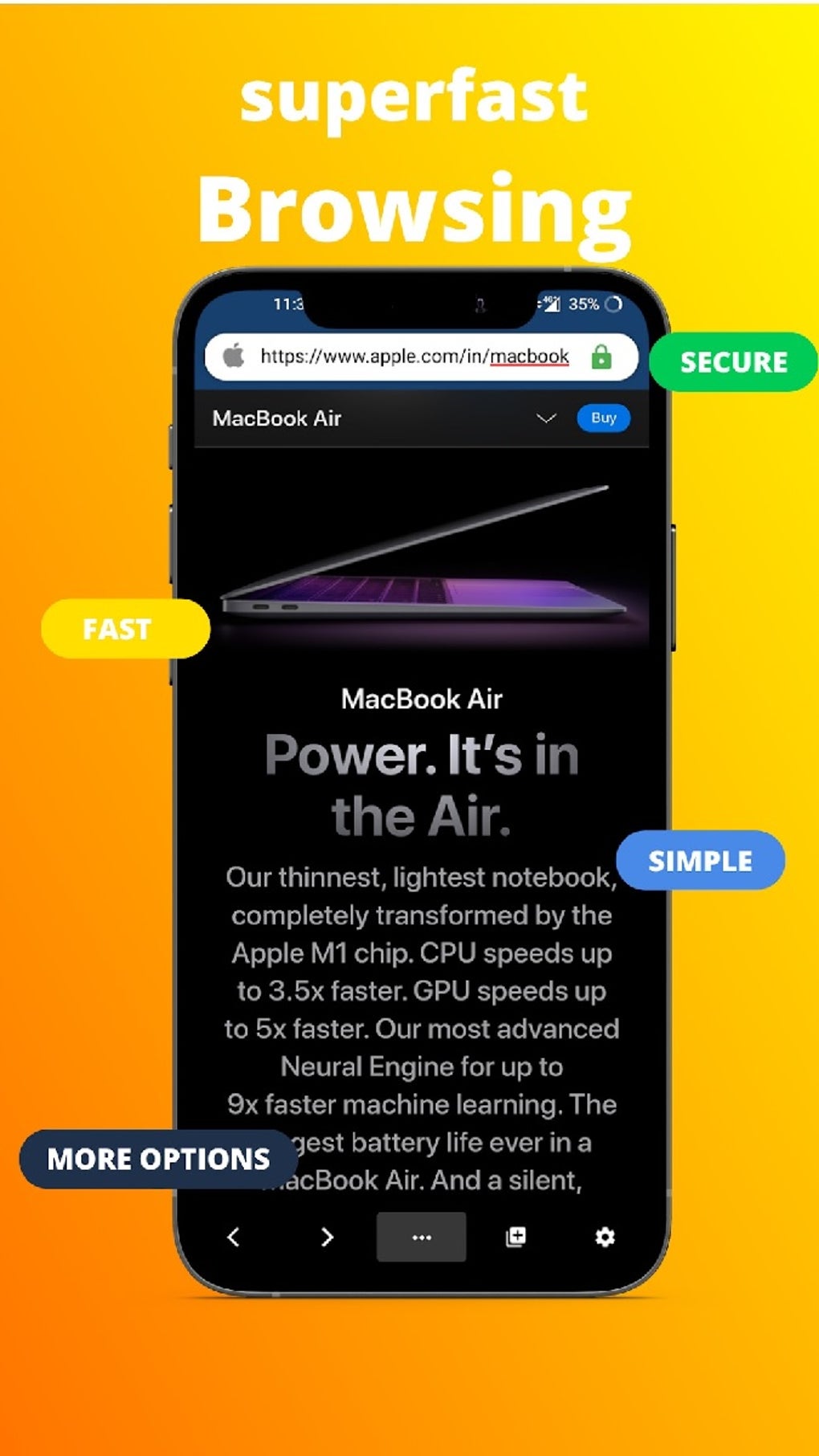
Safari Browser, developed by Apple Inc., is a web browsing application designed for users of iOS 15. As a core component of Apple’s ecosystem, it serves as a primary tool for accessing online content, managing digital interactions, and maintaining user privacy. The software is intended to meet the needs of everyday internet users who prioritize speed, security, and a streamlined browsing experience. It enables quick access to websites, supports private browsing sessions, and includes built-in tracking protection to help prevent unauthorized data collection during online activities. The browser is particularly suited for individuals who value integrated privacy features and seamless navigation across frequently visited sites. Its lightweight design suggests an emphasis on efficiency and minimal resource consumption. Real-world use cases include daily web research, news consumption, secure online transactions, and managing bookmarks and browsing history. The application is optimized for Apple devices running iOS 15, offering a consistent interface and functionality tailored to that platform. The developer did not provide additional details about alternative use cases beyond its native environment.
Key Features & Capabilities
- Fast Loading Speed – Designed to deliver rapid page load times, enabling users to access desired information with minimal delay.
- Private Browsing Mode – Allows users to browse without saving history, cookies, or site data, enhancing privacy during sensitive sessions.
- Tracking Protection – Blocks third-party trackers and intrusive web add-ons that may monitor user behavior across websites.
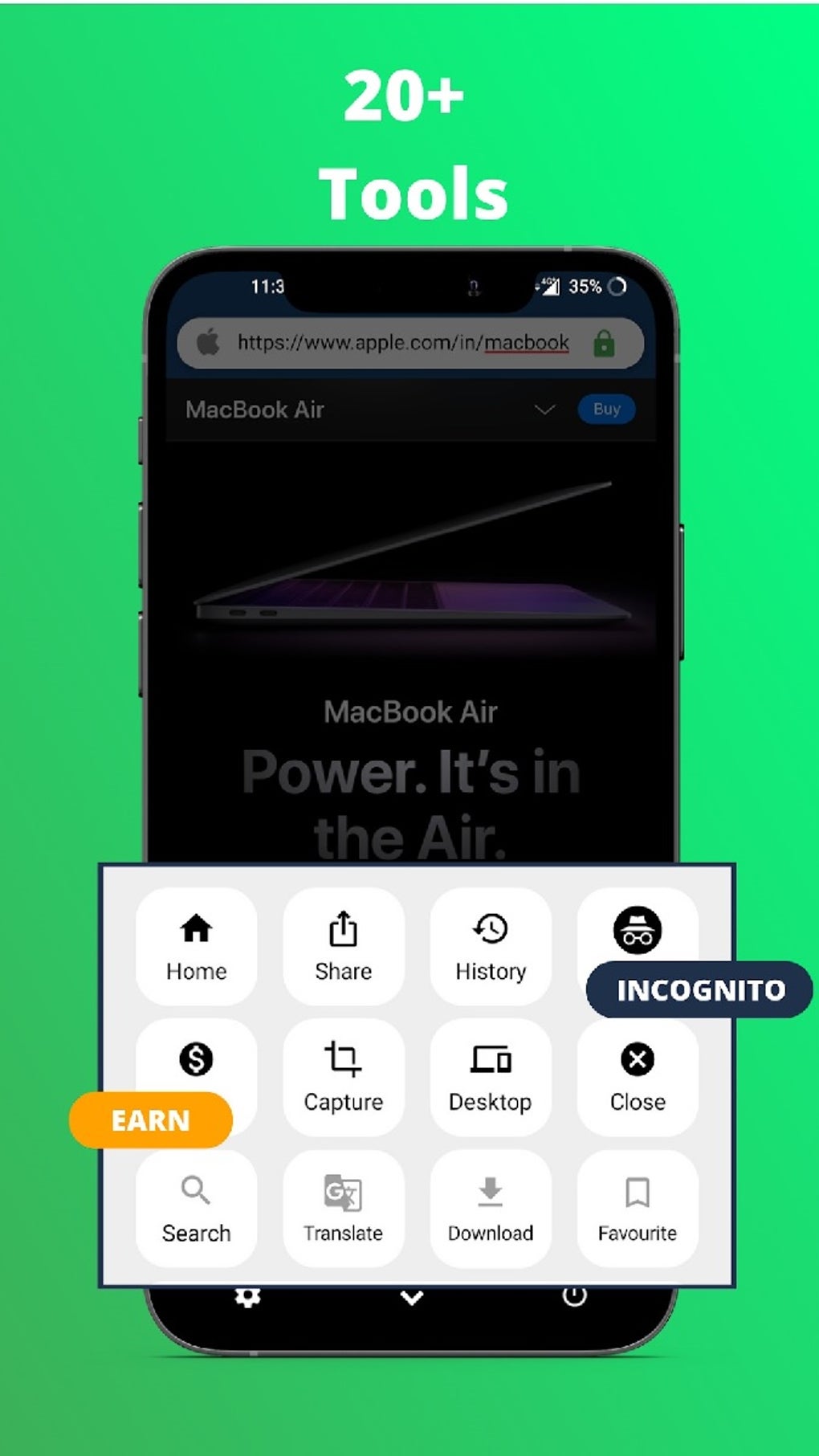
- Bookmark and History Management – Offers tools for organizing and accessing frequently visited sites through intuitive navigation.
- Customizable Text Sizes – Enables users to adjust font size for improved readability and accessibility.
- Night Mode Functionality – Reduces screen brightness and adjusts color tones to minimize eye strain during low-light use.
- Download Speed Optimization – Designed to facilitate fast downloads of web content.
- Copy-and-Paste Integration – Supports seamless text transfer between applications and web pages.
- Sharing Options – Provides integration with social media platforms such as Facebook, Twitter, Email, and SMS for easy content sharing.
These features collectively support efficient and secure internet usage. For example, users can conduct private research without leaving traces, manage personal information safely, and access news updates from multiple channels. The browser’s design emphasizes usability, allowing users to switch between tasks quickly. The integration of privacy tools aligns with modern concerns about digital footprint and data security. However, the developer did not specify how these features are implemented at a technical level.
User Interface, Workflow & Performance
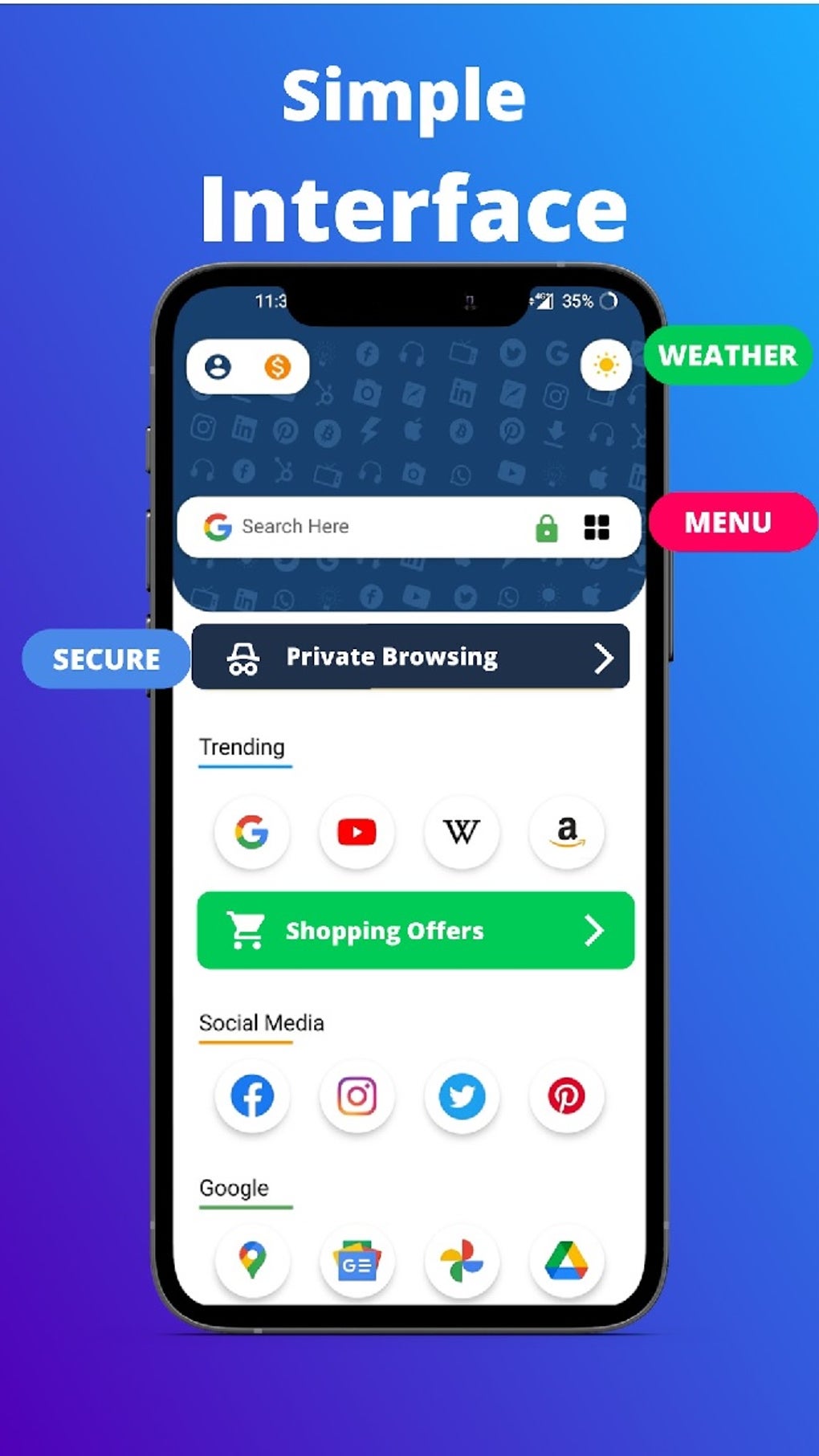
The user interface of Safari Browser follows a clean, minimalist design typical of Apple’s applications. Navigation is structured around a tab bar, address bar, and menu controls, allowing for intuitive access to browsing functions. The workflow is streamlined for common tasks such as opening links, saving bookmarks, and switching between tabs. Users can expect a consistent experience across Apple devices running iOS 15. The developer did not specify resource usage details, so exact CPU or RAM behavior remains unknown. Performance observations are based on general software behavior patterns for web browsers on mobile platforms. Stability is assumed to be maintained within the intended environment, though no formal testing data was provided. The browser is expected to operate smoothly under normal conditions, but its performance may vary depending on network speed and website complexity. No information was given regarding crashes, freezes, or background activity. Users should be aware that the application has not been updated since its initial release, which may affect long-term reliability.
Compatibility & System Requirements
Safari Browser is designed to run on iOS 15, as specified in the release details. The installation size is listed at 120 MB, indicating a lightweight footprint. The software is available as a free download and does not require additional licensing. The developer did not provide further information on hardware requirements, such as processor type, RAM, or storage capacity. Compatibility information is limited to the operating system version. The application is not available for other platforms such as Windows or Mac, and no desktop version was mentioned. It is unclear whether the software remains compatible with newer versions of iOS beyond 15. Users are advised to verify functionality on their specific device before use. The developer did not specify whether the app is available through official app stores or third-party sources.
Pros and Cons
Pros
- Fast loading speed for improved browsing efficiency
- Private browsing mode for enhanced user privacy
- Built-in tracking protection to block intrusive ads and trackers
- Customizable text sizes and night mode for better accessibility
- Seamless bookmark and history management
- Free to download and use
- Integrated sharing options across social media and messaging apps
Cons
- Has not been updated since release date (2021-09-16)
- Potential compatibility issues with newer iOS versions
- No official information on security updates or bug fixes
- Not available on non-Apple platforms
- Download from unofficial sources may pose security risks
FAQ Section
Is Safari Browser compatible with iOS 15?
Yes, Safari Browser is specifically designed for iOS 15. It is optimized to run on devices that support this operating system version.
Is the software free to download?
Yes, the software is available at no cost. It is listed as a free application with no purchase required.
Can I use Safari Browser on devices other than iOS?
The provided information does not confirm availability on platforms such as Windows or Mac. It is designed for iOS 15 and may not function on other operating systems.
Is Safari Browser secure?
The application includes privacy features such as private browsing and tracking protection. However, due to the lack of recent updates, potential security vulnerabilities may exist. Users are advised to exercise caution when downloading from unofficial sources.
Does Safari Browser require an internet connection?
Yes, as a web browser, Safari requires an active internet connection to load and display web content. Offline functionality is limited to cached pages and saved bookmarks.
Final Thoughts + CTA
Safari Browser on iOS 15 delivers a fast, secure, and privacy-focused browsing experience tailored to Apple users. Its core features—speed, tracking protection, and private browsing—make it a reliable tool for everyday internet use. While the lack of updates raises concerns about long-term stability and compatibility, the browser remains functional within its intended environment. It is best suited for users who prioritize privacy and speed on iOS 15 devices and do not require the latest features or platform support. However, those seeking cutting-edge functionality or compatibility with newer systems should consider alternatives. The absence of recent development activity is a notable drawback. Despite this, Safari Browser continues to serve as a solid choice for basic web navigation. Download Safari Browser now.
Guides & Tutorials for Safari Browser
How to install Safari Browser
- Click the Preview / Download button above.
- Once redirected, accept the terms and click Install.
- Wait for the Safari Browser download to finish on your device.
How to use Safari Browser
This software is primarily used for its core features described above. Open the app after installation to explore its capabilities.
User Reviews for Safari Browser 0
No reviews found





